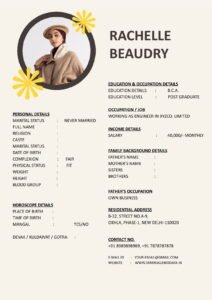
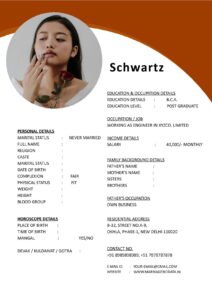
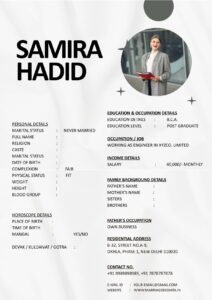
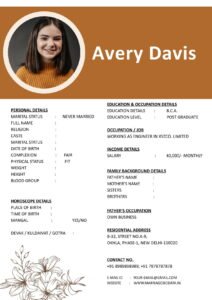
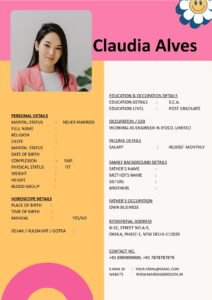
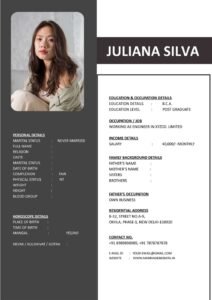
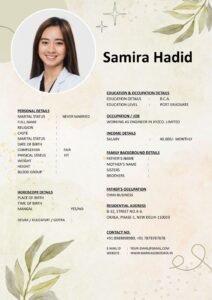
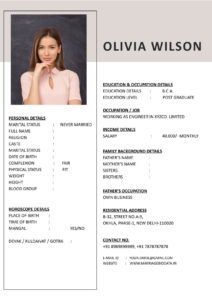
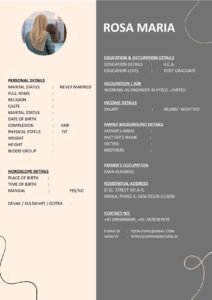
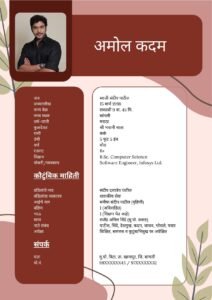
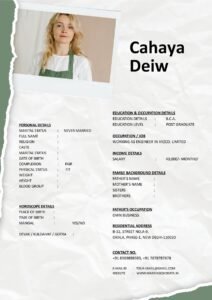
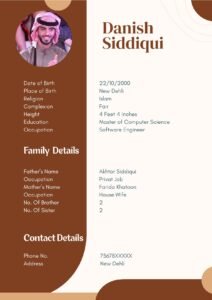
When families receive a marriage biodata, the first thing they notice is not the details — it’s the design. A clean, well-structured layout instantly creates a positive impression, while a cluttered or poorly formatted biodata may be ignored, even if the information is excellent.
If you want your biodata for marriage to stand out, focusing on design is just as important as sharing accurate details. The good news is that you don’t need graphic design skills to make your biodata look professional and attractive. With the right tips, you can create a polished matrimonial biodata that reflects your personality and values.
What Is a Marriage Biodata?
A marriage biodata is a document that presents personal details, education, profession, family background, and partner preferences for matrimonial purposes. It works like a marriage CV, helping families understand your background and lifestyle.
Today, matrimonial biodata is shared digitally, making design and readability more important than ever.
Why Design Matters in a Marriage Biodata
Design is not about decoration — it is about clarity, readability, and presentation. A professional layout makes your biodata easier to read and builds trust.
- Creates a strong first impression
- Improves readability on mobile devices
- Shows attention to detail
- Makes your profile memorable
A well-designed marriage biodata format ensures your details are presented clearly and respectfully.
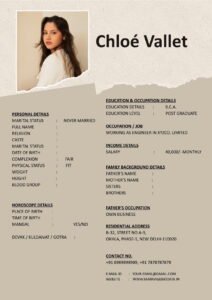
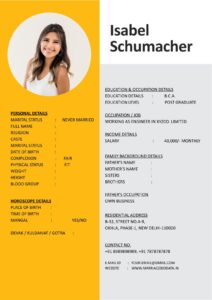
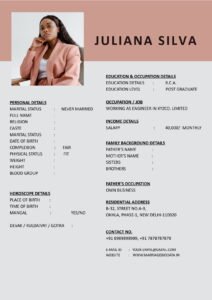
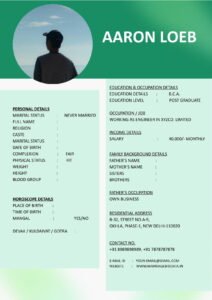
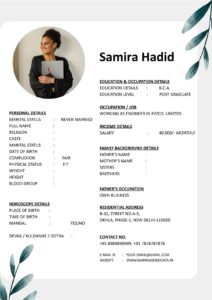
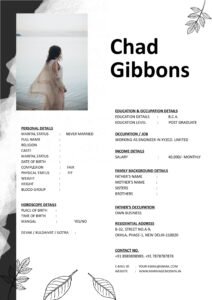
Design Tips to Make Your Marriage Biodata Look Professional and Attractive
1. Choose a Clean and Simple Layout
Simplicity is key. Avoid overcrowded designs with too many elements.
- Use clear sections
- Maintain margins and spacing
- Keep content aligned
2. Use Readable Fonts
Fonts play a major role in readability.
- Recommended fonts: Arial, Calibri, Times New Roman
- Font size: 12–14 for body text
- Avoid decorative fonts
3. Maintain Proper Spacing
White space improves readability and gives a clean look.
- Leave space between sections
- Avoid long paragraphs
- Use bullet points for clarity
4. Use Headings to Organize Information
Bold headings help readers quickly find important details.
- Personal Details
- Education & Profession
- Family Background
- Partner Preferences
5. Choose a Soft Color Scheme
Colors can enhance design if used carefully.
- Use light backgrounds
- Stick to 1–2 colors
- Avoid bright or neon shades
6. Add a Professional Photograph
Your photo is an important part of your matrimonial biodata.
- Use a recent and clear image
- Wear neat, formal attire
- Avoid heavy filters
7. Keep It Mobile-Friendly
Most biodata are viewed on smartphones.
- Use readable font sizes
- Avoid wide tables
- Test on mobile before sharing
8. Limit the Biodata to One Page
A one-page biodata is easier to read and share.
- Highlight key details only
- Avoid unnecessary information
9. Use Bullet Points Instead of Long Paragraphs
Bullet points improve readability and make information easy to scan.
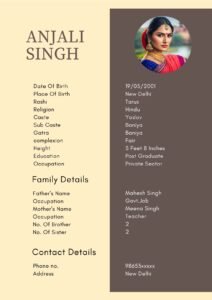
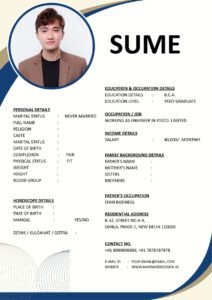
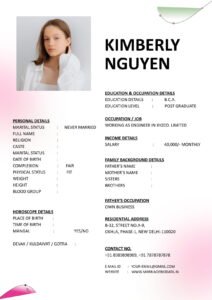
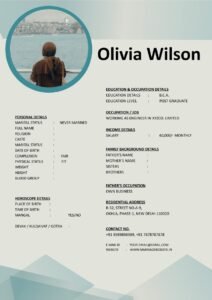
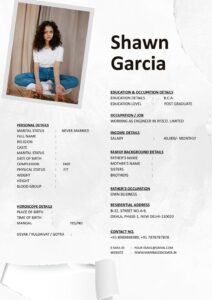
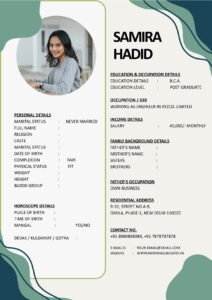
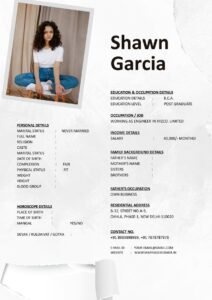
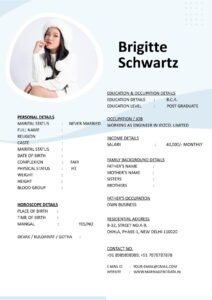
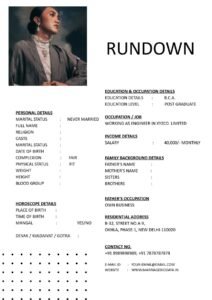
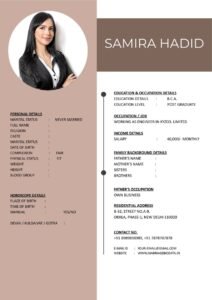
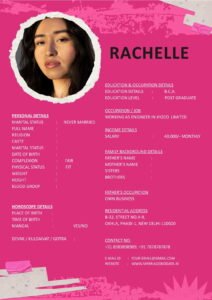
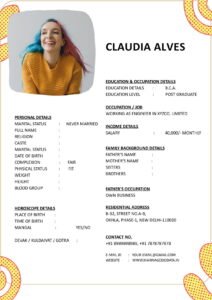
10. Use a Professional Biodata Template
Using a ready-made biodata template can save time and ensure a polished look. You can explore modern designs at marriagebiodata.in to create an attractive and well-structured biodata.
Step-by-Step Guide to Designing Your Marriage Biodata
Step 1: Select a Template or Start with a Blank Page
Choose a simple template or create a layout in Word.
Step 2: Divide Content into Sections
Organize information under clear headings.
Step 3: Format Text for Clarity
- Use bold headings
- Maintain consistent font size
- Align text neatly
Step 4: Add Photo and Final Touches
Insert your photograph and review spacing.
Step 5: Save as PDF
Saving your biodata as a PDF preserves formatting and ensures it looks professional on all devices.
Real-Life Example
Sneha’s family initially shared her biodata in a crowded format with multiple colors and small fonts. Many relatives found it hard to read on mobile devices. After redesigning it using a simple layout, readable fonts, and proper spacing, the biodata looked clean and professional. Soon, her family began receiving more positive responses.
This example shows how design can influence first impressions.
Common Mistakes to Avoid
- Overdesigning: Too many colors and fonts create confusion.
- Using small fonts: Hard to read on mobile.
- Cluttered layout: Reduces clarity.
- Low-quality photos: Creates a negative impression.
- Too much information: Keep it concise.
Pro Tips for a Professional Matrimonial Biodata
- Keep it simple: Simplicity looks elegant.
- Use consistent formatting: Maintain uniform fonts and spacing.
- Test on mobile: Ensure readability on smartphones.
- Update regularly: Keep details current.
- Use trusted templates: You can download modern and mobile-friendly designs from marriagebiodata.in to create a professional biodata quickly.
Why a Professional Design Increases Responses
Families often receive multiple biodata profiles. A clean and attractive design makes your matrimonial biodata easier to read and remember. When your biodata looks organized and professional, it reflects seriousness and respect for the process.
In contrast, poorly designed biodata may be ignored, even if the details are impressive.
Conclusion
Design plays a crucial role in making your marriage biodata look professional and attractive. By focusing on simplicity, readability, and proper structure, you can create a biodata that leaves a lasting positive impression.
Use a clear marriage biodata format, maintain proper spacing, choose readable fonts, and include a professional photo. These small design choices can significantly improve how your biodata is perceived.
If you want to save time and ensure a polished layout, consider using ready-made templates from marriagebiodata.in. A well-designed biodata not only looks attractive but also increases your chances of receiving meaningful responses.
Frequently Asked Questions (FAQs)
1. What makes a marriage biodata look professional?
A clean layout, readable fonts, proper spacing, and a clear structure make a biodata look professional.
2. Should I use colors in my biodata design?
Yes, but use soft and minimal colors. Avoid bright or distracting shades.
3. Is a one-page biodata enough?
Yes, a one-page biodata is ideal for readability and easy sharing.
4. What font is best for a matrimonial biodata?
Simple fonts like Arial, Calibri, or Times New Roman are best for readability.
5. Where can I download professional biodata templates?
You can download modern and customizable templates from marriagebiodata.in to create a clean and attractive matrimonial biodata.