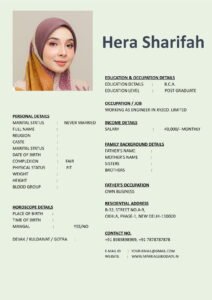
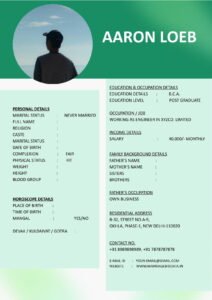
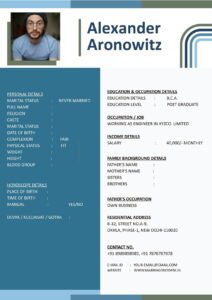
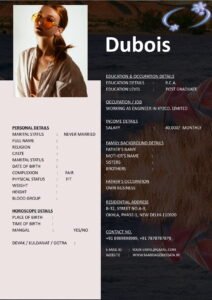
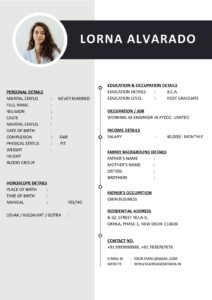
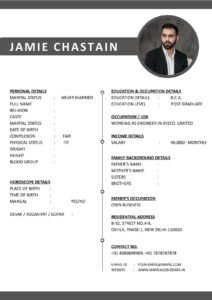
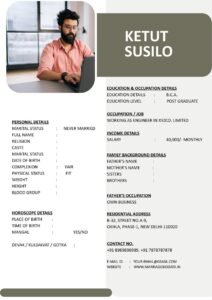
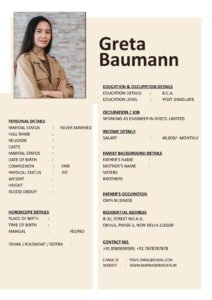
We live in a digital world. Almost everyone has at least one social media account. So when creating a marriage biodata, a common question naturally comes up — should you add your social media profile?
Some people feel it adds transparency. Others worry about privacy and safety. Both concerns are valid.
If you are confused about How to Add Social Media (If At All) in Your Marriage Biodata Safely, this detailed guide will help you make a smart and secure decision.
What Is a Marriage Biodata?
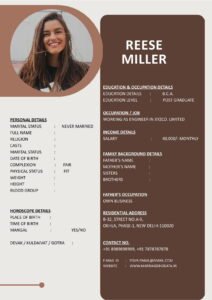
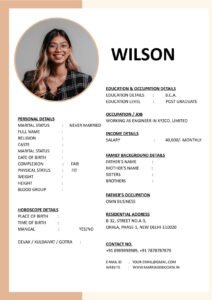
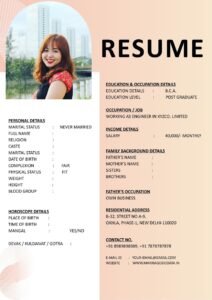
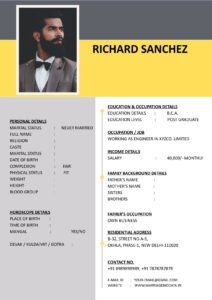
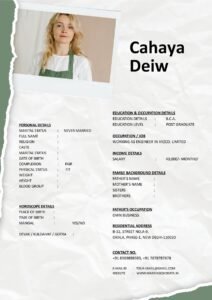
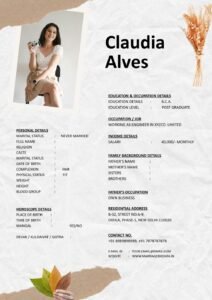
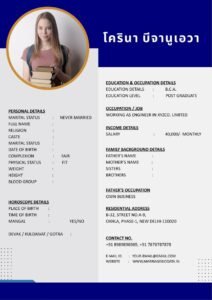
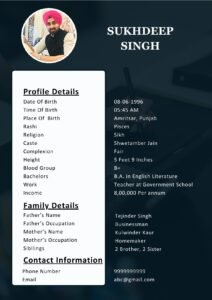
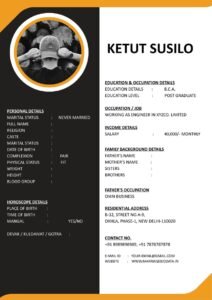
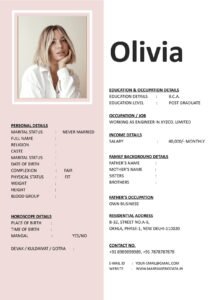
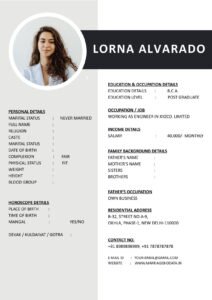
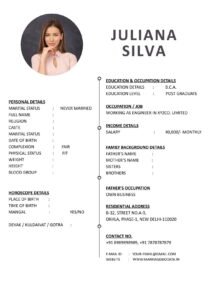
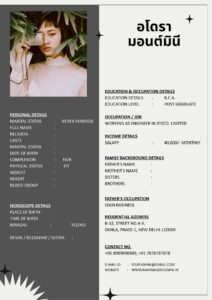
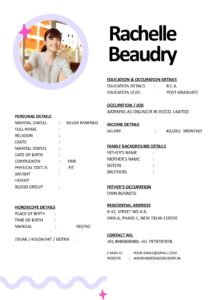
A marriage biodata is a structured document shared for matrimonial purposes. It includes personal details, education, profession, family background, lifestyle information, and partner expectations.
You can think of it as a marriage CV, but instead of applying for a job, you are introducing yourself for lifelong partnership. A well-prepared matrimonial biodata presents you clearly and respectfully.
Traditionally, biodata included only basic information. But today, with digital presence being so common, some people consider adding social media details too.
Is It Necessary to Add Social Media in Biodata?
The simple answer is — no, it is not mandatory.
A good marriage biodata format should focus on essential details like education, profession, family background, and values. Social media is optional.
However, in some cases, adding a professional profile (like LinkedIn) can create transparency — especially for working professionals.
The key word here is safely.
Why Safety Matters When Sharing Social Media
Your biodata for marriage is often shared widely — via WhatsApp, email, or matrimonial platforms. Once shared, you may not have full control over where it goes.
If you directly include personal social media links, it can lead to:
- Privacy risks
- Unwanted messages
- Profile misuse
- Security concerns
So before adding anything, think carefully.
Step-by-Step Guide: How to Add Social Media (If At All) in Your Marriage Biodata Safely
Step 1: Decide If It Is Truly Necessary
Ask yourself:
- Does my social media reflect my personality positively?
- Is my account public or private?
- Am I comfortable with strangers viewing it?
If the answer is no, it is better not to include it.
Step 2: Prefer Professional Platforms Over Personal Ones
If you want to add social media, consider only professional platforms like:
- Professional website (if any)
A LinkedIn profile can complement your marriage CV by showing your professional background without exposing personal life.
Step 3: Avoid Adding Instagram, Facebook, or Snapchat Directly
Personal platforms often include casual photos, opinions, and private content. Even harmless posts may be misunderstood.
It is generally safer not to add these in your matrimonial biodata.
Step 4: Keep Accounts Private
If you still wish to share social media later, keep your account private and share it personally after initial discussions.
Do not make your account public just for biodata purposes.
Step 5: Mention “Available Upon Request”
Instead of directly adding links, you can write:
“Professional profile details available upon request.”
This keeps control in your hands.
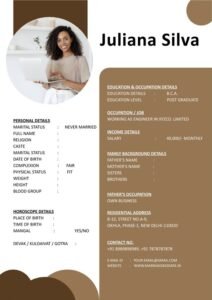
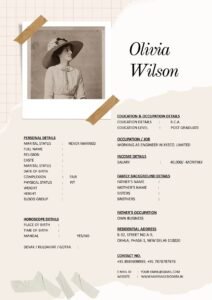
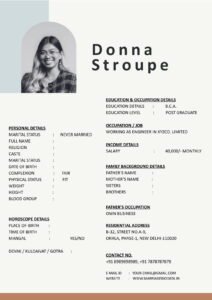
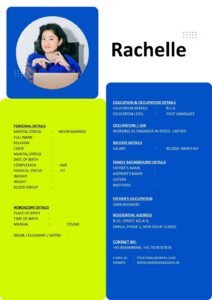
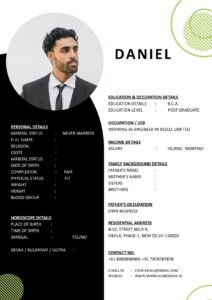
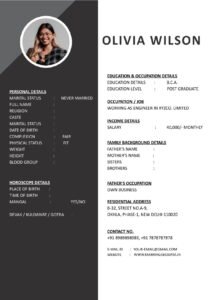
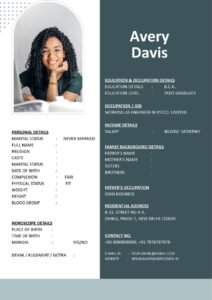
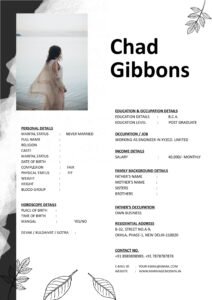
Step 6: Use a Clean Marriage Biodata Format
Do not overcrowd your biodata template with extra links or QR codes. A structured and clean marriage biodata format looks more professional.
If you need a properly designed layout, you can explore secure and simple biodata templates at https://marriagebiodata.in/ and customize them according to your needs.
Real-Life Example
Neha added her public Instagram profile to her biodata for marriage. Her account included travel photos and casual posts.
While nothing was inappropriate, some families misunderstood certain posts. It created unnecessary explanations.
Later, she removed the link and shared her social media only after direct communication with serious prospects.
The experience taught her that privacy should come first.
Common Mistakes to Avoid
- Adding all social media links directly in biodata
- Sharing public accounts without privacy check
- Including controversial opinions or political posts
- Using flashy QR codes in a traditional marriage biodata format
- Forgetting that biodata may circulate beyond your control
Remember, once shared, it cannot always be retrieved.
Pro Tips for Safe Digital Sharing
1. Review Your Profiles First
Check old posts, photos, and comments before sharing any link.
2. Separate Personal and Professional Accounts
Keep professional profiles clean and public-friendly.
3. Share Links Personally
Only after initial discussions and mutual interest.
4. Avoid Too Many Contact Details
Keep your biodata template simple and secure.
5. Protect Your Privacy Settings
Enable privacy controls on all platforms.
6. Focus on Core Information
Your matrimonial biodata should prioritize education, career, family background, and values — not social media presence.
Why Simplicity Builds Trust
In arranged marriages, clarity and security are important.
A well-prepared marriage biodata format that focuses on relevant details shows maturity and responsibility.
Social media can support transparency, but it should never compromise privacy.
When you manage digital sharing wisely, you create a safe and comfortable environment for both families.
Conclusion
So, how should you handle social media in your marriage biodata?
The safest approach is to keep it optional. Focus on creating a strong and structured biodata for marriage that highlights your values, education, career, and family background.
If needed, share professional profiles later — personally and selectively.
Your matrimonial biodata should reflect maturity, clarity, and security. Social media can wait.
Choose privacy first. Choose clarity always.
Frequently Asked Questions (FAQs)
1. Is it necessary to add social media in marriage biodata?
No, it is completely optional. It is not required for a good biodata.
2. Which social media platform is safest to share?
Professional platforms like LinkedIn are safer compared to personal platforms like Instagram or Facebook.
3. Should I keep my account public?
No, it is better to keep accounts private and share them personally if needed.
4. Can I add a QR code in my biodata?
It is not recommended in traditional or formal marriage biodata formats.
5. Where can I find clean and secure biodata templates?
You can download simple and structured biodata templates from https://marriagebiodata.in/.