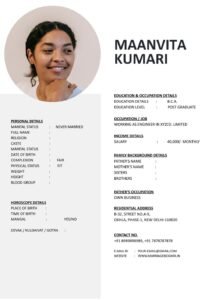
Creating a marriage biodata is easier than you think when you follow this proven 10-step process. This complete guide walks you through every detail with a ready-to-use checklist, real examples, and common mistakes to avoid.
10-Step Process to Create Your Perfect Marriage Biodata
 Step 1: Gather All Your Information First
Before touching any design tool, collect everything in one place.
- Write down your complete personal details (name, DOB, height, etc.)
- List education from highest to lowest
- Note current job title, company, experience years
- Family details: parents’ names/occupations, siblings status
- Partner preferences (age range, education, location, etc.)
- Take 3-4 recent professional photos
Pro tip: Use a Google Doc or notebook first. This prevents forgetting details later.
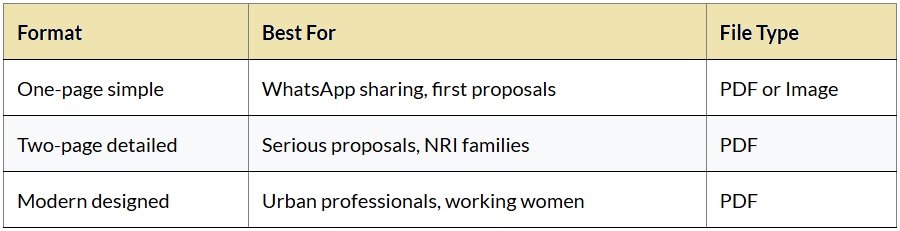
Step 2: Choose the Right Format
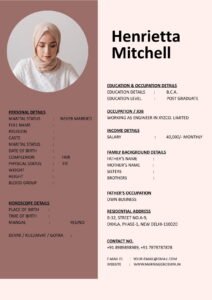
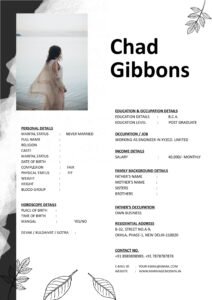
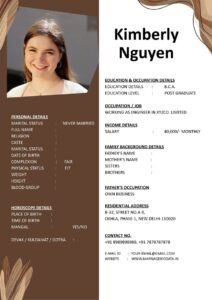
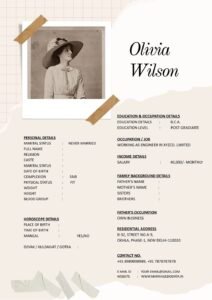
Pick based on your audience:
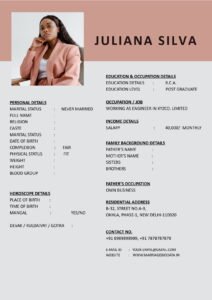
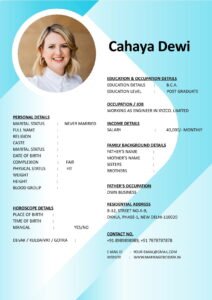
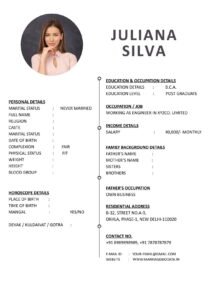
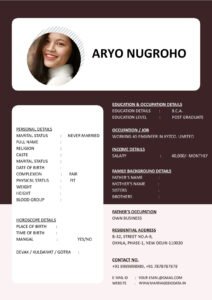
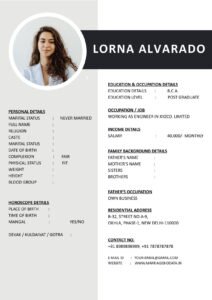
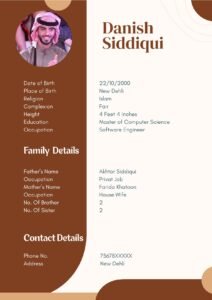
Step 3: Create the Header Section
This is the first thing people see. Make it count.
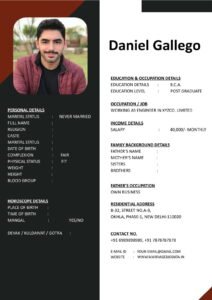
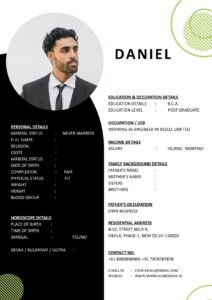
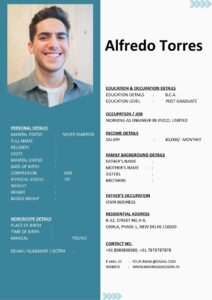
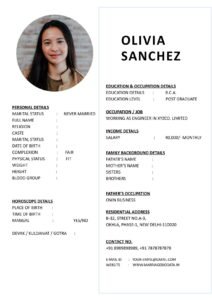
- Full name in large, bold font (18-24pt)
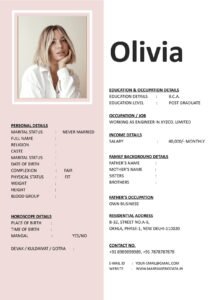
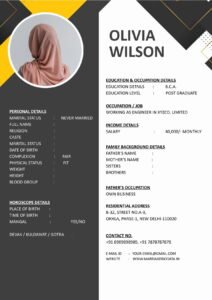
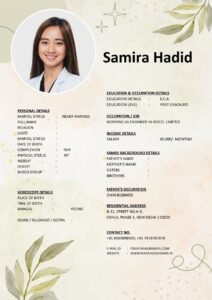
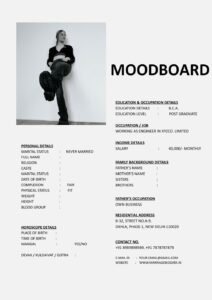
- Professional photo (top right, 2×3 inch)
- Quick stats below name: Age | Height | Profession | Location
Example Header:
ANURAG SHARMA
27 Years | 5’10” | Software Engineer | Bangalore
(Photo on right)
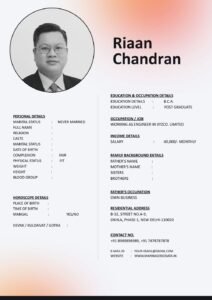
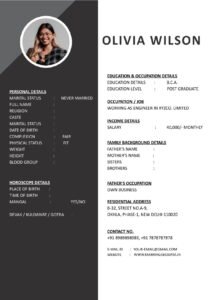
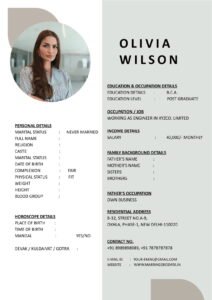
Step 4: Fill Personal Details
Use this exact order for maximum clarity:
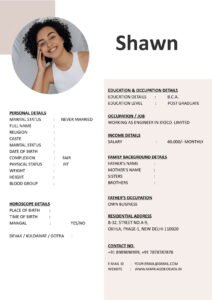
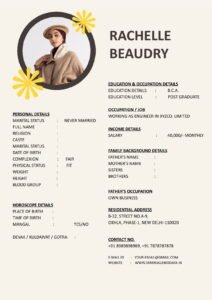
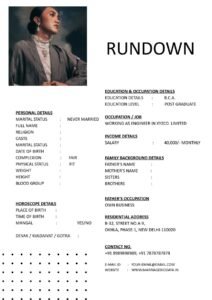
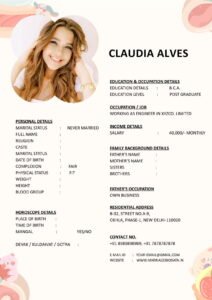
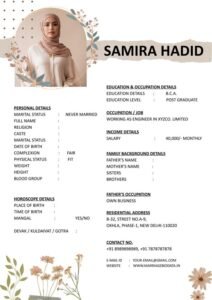
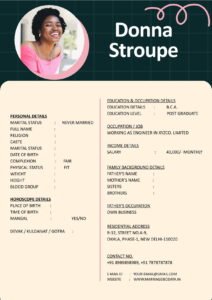
- Date of Birth & Age
- Height & Weight
- Religion | Caste | Sub-caste
- Mother Tongue
- Marital Status
- Current Address | Native Place
Sample:
Date of Birth: 15th March 1998 (27 Years)
Height: 5'10" (178 cm)
Religion: Hindu | Caste: Brahmin | Gotra: Kashyap
Mother Tongue: Hindi
Marital Status: Never Married
Step 5: Add Education Details
List from highest qualification backwards:
- 2020: B.Tech Computer Science – IIT Delhi (8.5 CGPA)
- 2018: Class 12th – Delhi Public School (93%)
- 2016: Class 10th – Delhi Public School (92%)
Skip school details if you have professional degrees.
Step 6: Write Professional Details
Be honest but confident:
Working as Senior Software Engineer at Google India (Bangalore).
• 5+ years experience in Full Stack Development
• Annual CTC: 25 LPA (discuss after mutual interest)
• Open to relocation after marriage
Step 7: Family Background
Keep it structured and positive:
- Father: Rajesh Sharma, Retired Govt Officer
- Mother: Suman Sharma, Homemaker
- Brother: 1 (Younger, unmarried, pursuing MBA)
- Family Type: Nuclear, upper middle class
- Native Place: Agra, UP | Current: Bangalore
Step 8: Write Your “About Me” Paragraph
5-7 lines that show your personality:

Step 9: Add Partner Preferences
Be specific but flexible:
- Age: 24-28 years
- Height: 5’3″ and above
- Education: Graduate / Postgraduate
- Profession: Working / Business / Homemaker
- Location: Prefer Bangalore / Delhi NCR, relocation okay
- Food: Vegetarian preferred
Step 10: Add Contact & Final Review
Bottom of page 2:
📞 Contact: Mr. Rajesh Sharma (Father)
Phone: +91-XXXXXXXXX | Email: sharmafamily@email.com
📍 Bangalore, Karnataka
Before finalizing, check:
- No spelling mistakes
- Consistent date formats
- Professional photo quality
- Mobile-friendly (test PDF zoom)
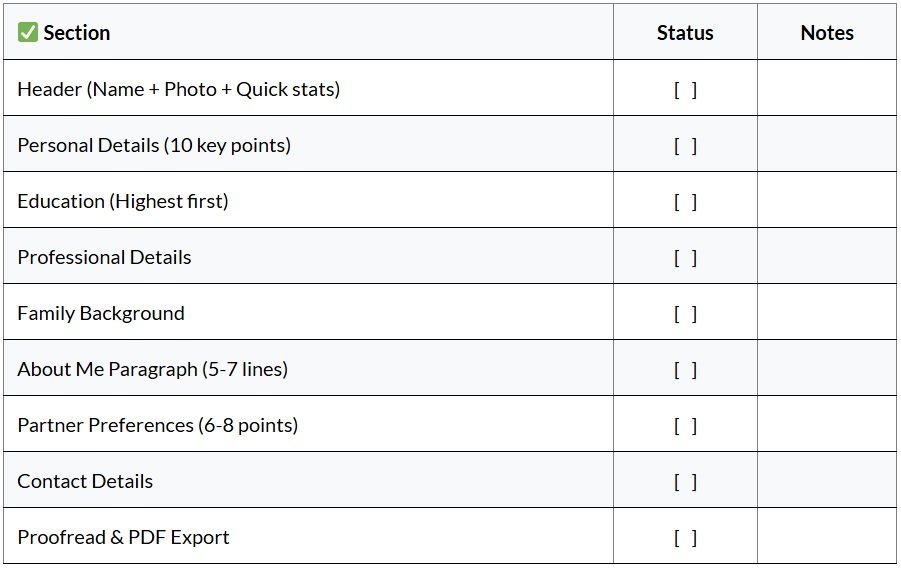
Complete Marriage Biodata Checklist
Free Tools to Create Marriage Biodata
- Canva: Search “Marriage Biodata” templates (free/premium)
- Google Docs: Use marriage biodata templates
- MS Word: Download free .docx templates
- Online Makers: MarriageBiodata.in (this website!)
5 Common Mistakes to Avoid
- No photo or poor quality photo (most important visual element)
- Copy-paste generic “About Me” (write in your own words)
- Too many demands in partner section (keep realistic)
- Forgetting family details (families evaluate families too)
- Not proofreading (typos = instant rejection)
Quick 30-Minute Biodata Creation Timeline
- 0-5 min: Gather all info
- 5-15 min: Fill sections in Google Doc
- 15-25 min: Design in Canva/template
- 25-30 min: Proofread + Export PDF