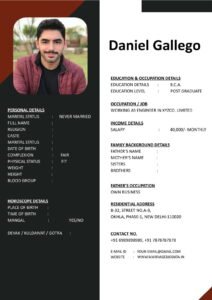
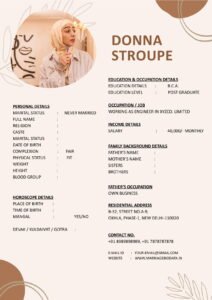
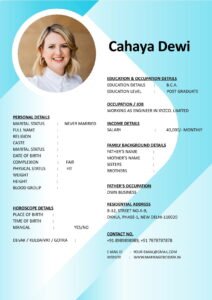
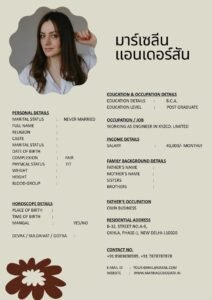
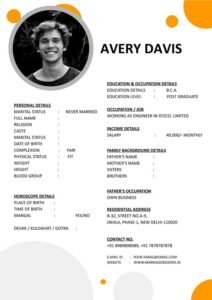
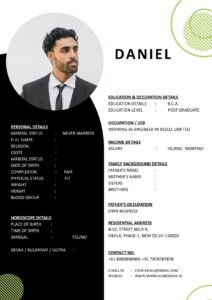
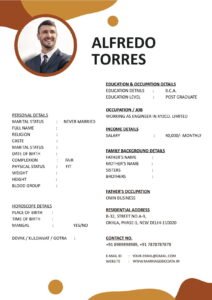
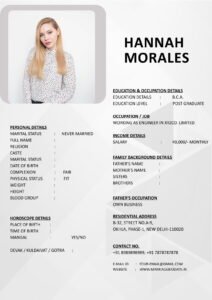
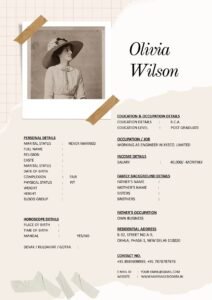
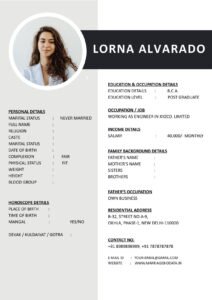
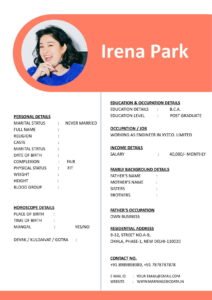
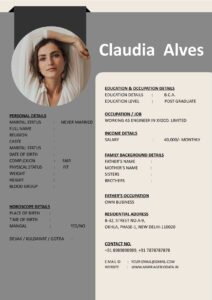
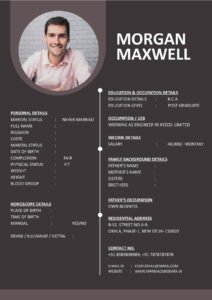
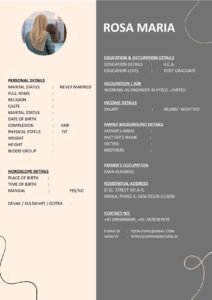
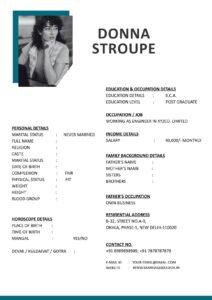
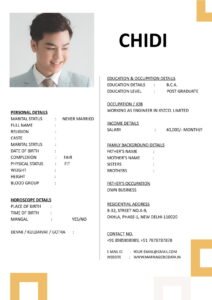
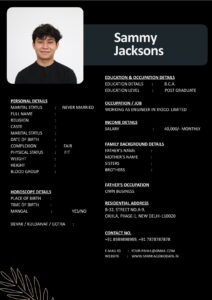
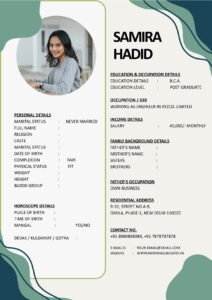
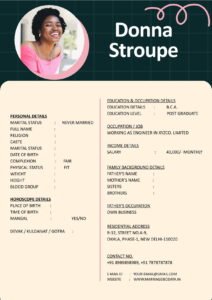
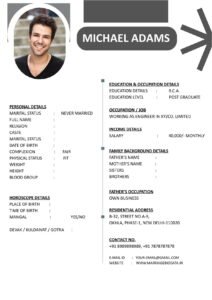
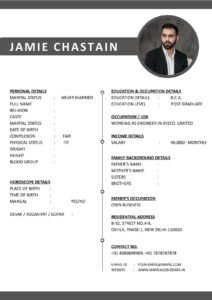
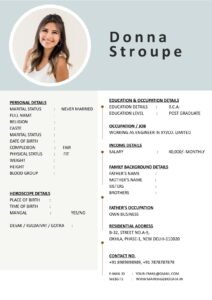
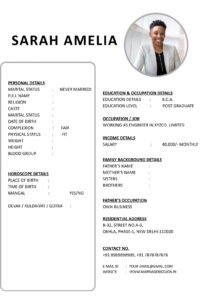
You have carefully prepared your marriage biodata. You chose a clean design, wrote a thoughtful “About Me,” added a recent photo, and saved it as a PDF. Now comes the final step — sending it.
But here’s something most people ignore: the file name and email subject line.
It may sound small, but these two details can quietly shape the first impression. A confusing file name like final_biodata_new_latest2.pdf or a blank email subject does not reflect seriousness.
That’s why understanding File Naming and Email Subject Line Tips When Sending Marriage Biodata is just as important as choosing the right marriage biodata format.
What Is a Marriage Biodata?
A marriage biodata is a structured document that introduces a bride or groom to a prospective match and their family. It includes personal details, education, career information, family background, hobbies, and expectations.
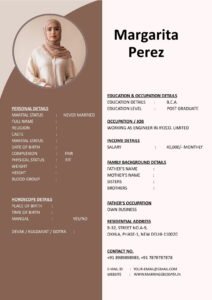
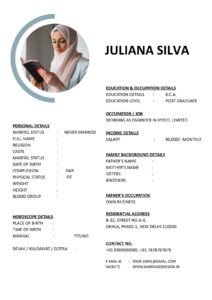
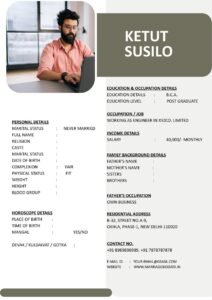
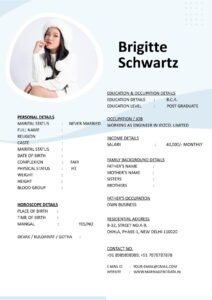
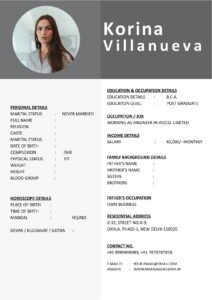
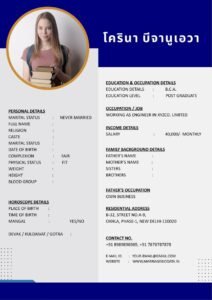
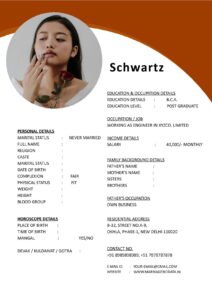
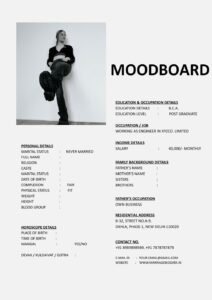
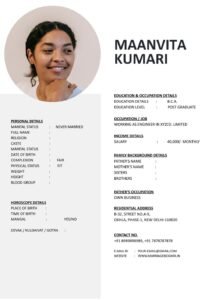
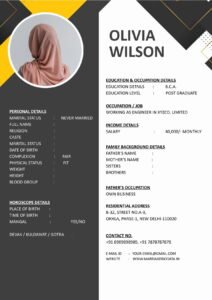
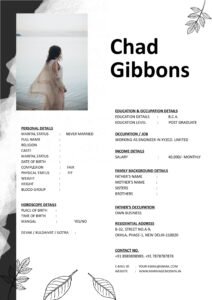
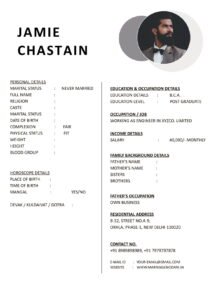
It is also known as a matrimonial biodata or sometimes a marriage CV. Unlike a job resume, it focuses on compatibility, values, and long-term goals.
While most people focus on writing content and choosing a good biodata template, they forget that presentation extends beyond the document itself.
Why File Name and Subject Line Matter
Think about it practically.
Families often receive multiple biodata files in a short period. If your file name is unclear or the email subject line is vague, your biodata for marriage may get lost or overlooked.
A clear file name and subject line:
- Show professionalism
- Make identification easier
- Reflect seriousness
- Create a positive first impression
Small details often communicate big signals.
Step-by-Step Guide to Naming Your Marriage Biodata File Properly
Step 1: Use Full Name Clearly
The file name should immediately identify the person.
Good example:
- Rahul_Sharma_Marriage_Biodata.pdf
Avoid:
- biodata_final.pdf
- newfile123.pdf
- marriagecvupdated.pdf
Step 2: Keep It Simple and Clean
Do not use special characters like:
- @ # % & *
Stick to letters, underscores, or hyphens.
Step 3: Mention Year If Needed
If you are updating your matrimonial biodata frequently, adding the year helps.
- Neha_Gupta_Biodata_2024.pdf
Step 4: Avoid Long or Confusing Names
Keep it readable. Very long file names look messy.
How to Write a Clear Email Subject Line
The email subject line is the first thing the receiver sees.
A good subject line should include:
- Full Name
- Purpose (Marriage Proposal / Biodata)
Good Subject Line Examples
- Marriage Biodata – Rahul Sharma
- Profile for Marriage – Neha Gupta
- Biodata for Marriage Proposal – Arjun Verma
Avoid These Subject Lines
- Hi
- Biodata
- Details
- Marriage
- No Subject
Vague subjects look careless.
What to Write in the Email Body
Along with proper file naming and subject line, write a short and respectful message.
For example:
“Dear Mr. and Mrs. Mehta,
Greetings. Please find attached the marriage biodata of our daughter, Neha Gupta, for your kind consideration. We look forward to your response. Thank you.”
Keep it simple, polite, and professional.
Real-Life Example
Vikas sent his matrimonial biodata to several families. His file name was:
final_latest_biodata_v3_new.pdf
His subject line was blank.
Some families downloaded it but later couldn’t identify whose biodata it was because the file name did not include his name.
After changing it to:
Vikas_Mehta_Marriage_Biodata.pdf
And using the subject line:
Marriage Biodata – Vikas Mehta
Communication became smoother. Families appreciated the clarity.
Sometimes small corrections create big improvements.
Common Mistakes to Avoid
- Sending biodata without changing default file name
- Using casual or informal subject lines
- Leaving email subject blank
- Sending large file sizes without compression
- Using unclear abbreviations
Even if your marriage biodata format is perfect, careless sharing can reduce its impact.
Pro Tips for Professional Sharing
- Save the file in PDF format only.
- Keep the file size under 5 MB.
- Use consistent naming for all future updates.
- Double-check spelling in subject line.
- Send from a professional email ID (avoid funny usernames).
- Preview the email before sending.
If you are using a professionally designed biodata template from https://marriagebiodata.in/, combine it with proper file naming and subject line to complete the presentation.
Why Professional Presentation Builds Trust
Marriage discussions are serious. Families look for responsibility and clarity.
When your marriage CV arrives with:
- Clear file name
- Structured marriage biodata format
- Professional email subject
- Polite message
It creates confidence.
It shows that you value the process.
How File Naming Reflects Personality
You might not realize it, but these small actions communicate:
- Organizational skills
- Attention to detail
- Maturity
- Seriousness about marriage
In matrimonial conversations, these qualities matter more than flashy designs.
Conclusion
When sending your profile, remember that File Naming and Email Subject Line Tips When Sending Marriage Biodata are part of the overall impression.
A well-written biodata for marriage deserves a clean and professional presentation from start to finish.
Use your full name in the file name. Keep the subject line clear and respectful. Write a short and polite email message.
These simple steps ensure your matrimonial biodata stands out for the right reasons.
After all, marriage is about clarity, respect, and communication — and that starts from the very first email.
Frequently Asked Questions (FAQ)
1. What is the best file name format for marriage biodata?
Use FullName_Marriage_Biodata.pdf for clarity and professionalism.
2. Should I mention the year in the file name?
It is optional, but helpful if you update your biodata frequently.
3. What should I write in the email subject line?
Include the full name and purpose, such as “Marriage Biodata – Rahul Sharma.”
4. Is PDF better than Word format?
Yes. PDF maintains formatting and looks consistent on all devices.
5. Where can I find a good marriage biodata format?
You can explore structured and easy-to-edit biodata templates on trusted matrimonial-focused platforms that specialize in marriage profile formats.