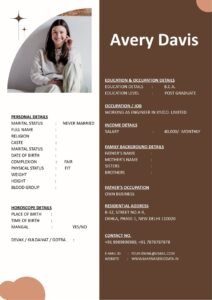
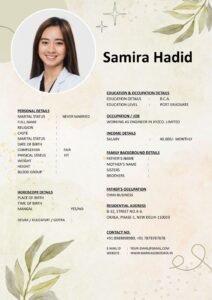
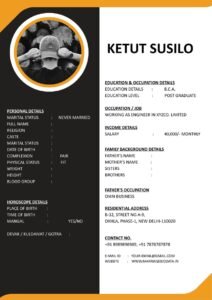
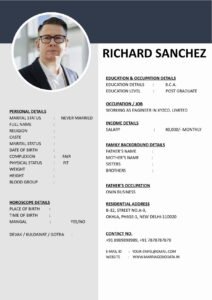
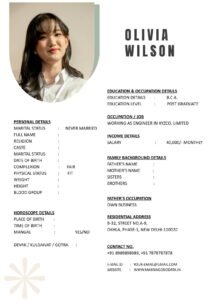
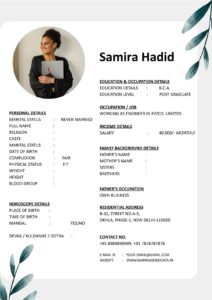
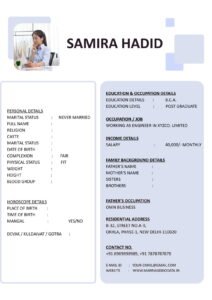
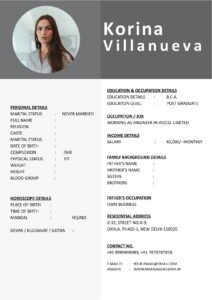
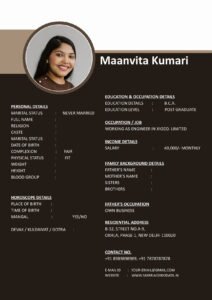
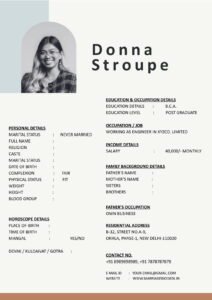
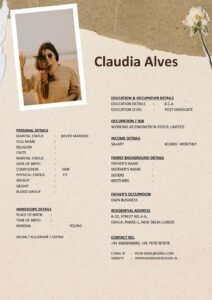
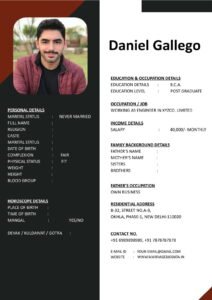
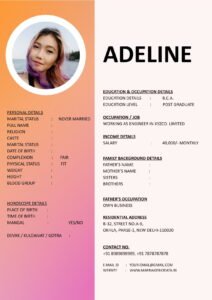
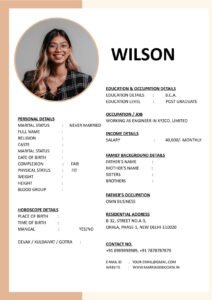
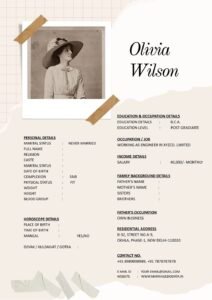
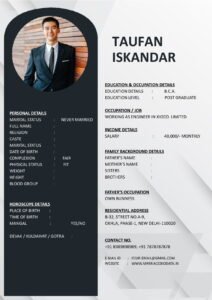
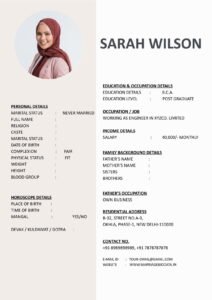
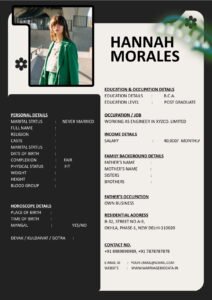
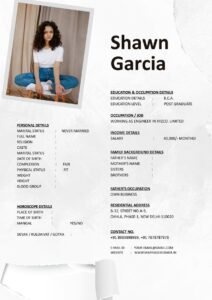
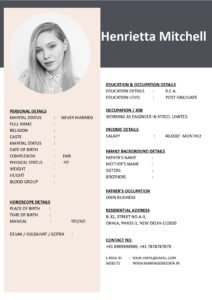
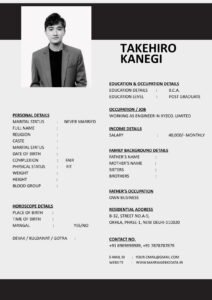
Even educated professionals make these 10 marriage biodata mistakes that lead to instant rejections. This guide reveals the most common errors with real examples and simple fixes to make your biodata irresistible to the right families.
Top 10 Marriage Biodata Mistakes (With Fixes)
1. No Photo or Poor Quality Photo
 The Problem: 80% of biodata rejections happen due to missing or bad photos.
- Selfie with bathroom mirror
- Group photo where you’re barely visible
- 10-year-old school photo
- No photo at all
The Fix:
- Recent professional photo (3-6 months old)
- Simple background, formal/semi-formal clothes
- 2×3 inch size, high resolution (300 DPI)
- Smile naturally, good lighting
2. Copy-Paste Generic “About Me”
The Problem:
“Simple, loving, caring, family oriented, respect elders, looking for same.”
The Fix: Write 5-7 unique lines about YOU:

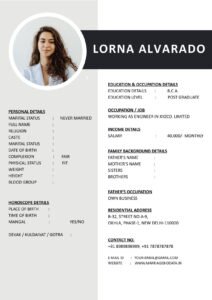
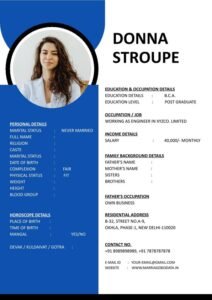
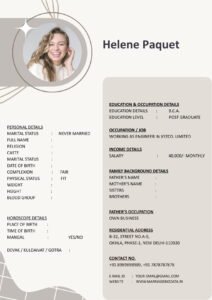
“Software engineer who loves weekend treks and cooking Italian. Grew up in joint family, now balancing modern career with traditional values. Looking for partner who enjoys adventure and deep conversations.”
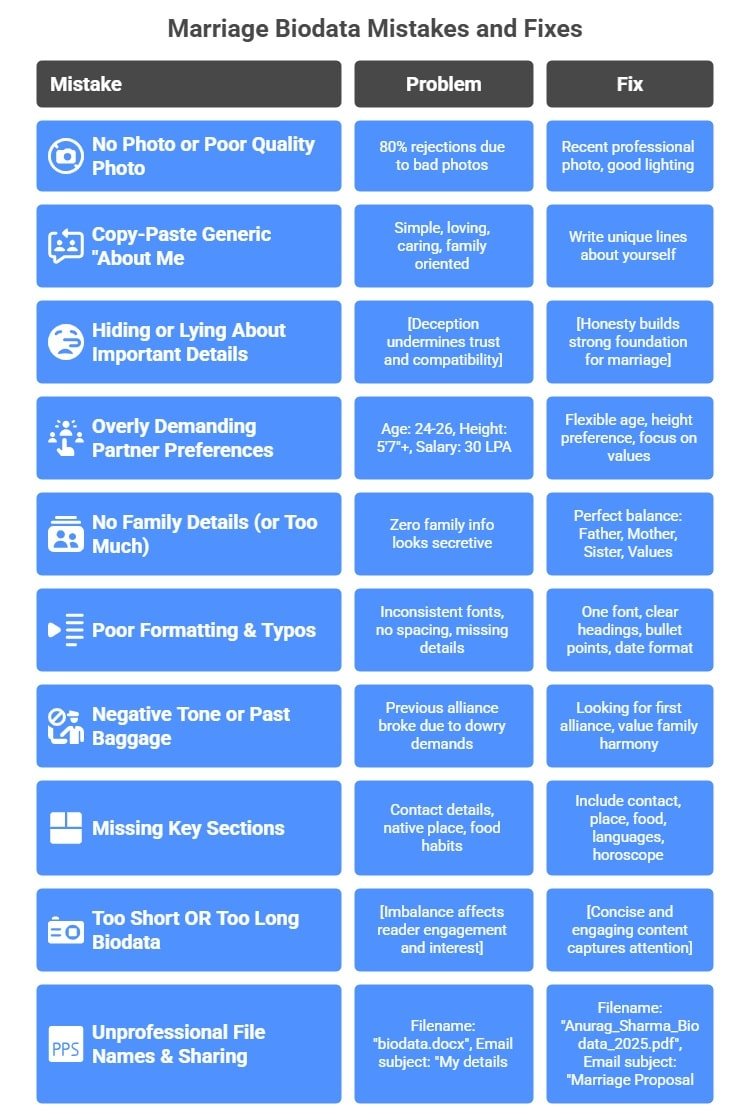
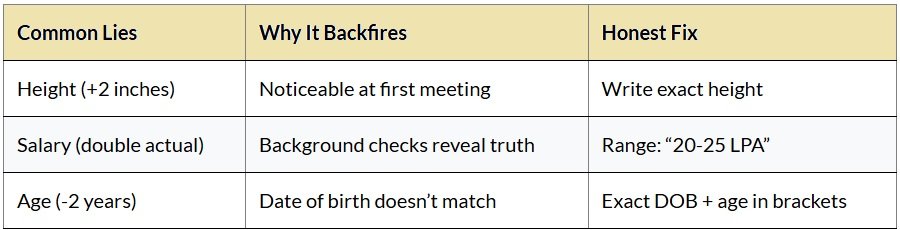
3. Hiding or Lying About Important Details
4. Overly Demanding Partner Preferences
The Problem:
- Age: 24-26 years only
- Height: 5’7″+ only
- Salary: 30 LPA minimum
- No divorcees, no NRIs, no govt jobs
The Fix:
- Age: 24-29 years (flexible)
- Height: Preference 5’4″+
- Profession: Working professional
- Focus on values: “Family oriented, understanding”
5. No Family Details (or Too Much)
Two extremes to avoid:
- Zero family info: “Nuclear family” only → Looks secretive
- Family novel: Parents’ entire biography → Overwhelms reader
Perfect balance (5 lines max):
Father: Retired Bank Manager
Mother: Homemaker
1 Younger Sister (Married, homemaker)
Nuclear family, Delhi
Values: Education, simplicity
6. Poor Formatting & Typos
Red flags that scream “unserious”:
- Inconsistent fonts (Arial + Comic Sans mix)
- No spacing between sections
- “B.Tech IIT” (no year/college name)
- “Working in MNC” (no company/experience)
Quick formatting checklist:
- One font family throughout
- Clear section headings (bold, 14pt)
- Bullet points or tables for lists
- Consistent date format (DD/MM/YYYY)
7. Negative Tone or Past Baggage
Examples to NEVER write:
- “Previous alliance broke due to dowry demands”
- “Don’t want lazy wife who sits at home”
- “Family interfered too much last time”
Replace with positive alternatives:
- “Looking for first alliance”
- “Prefer working partner who enjoys career”
- “Value family harmony and mutual respect”
8. Missing Key Sections
Essential sections people forget:
- Contact details (parents’ number/email)
- Native place (even if living abroad)
- Food habits (veg/non-veg mismatch kills proposals)
- Languages spoken (mother tongue + others)
- Horoscope details (for traditional families)
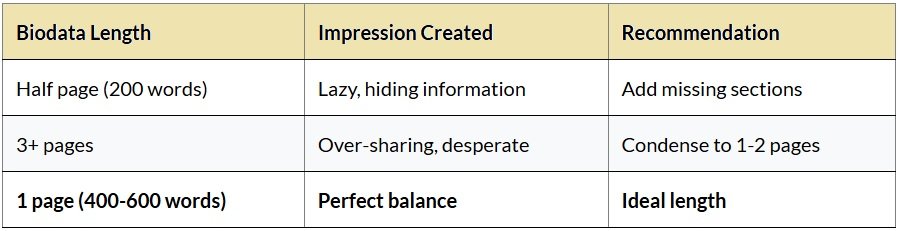
9. Too Short OR Too Long Biodata
10. Unprofessional File Names & Sharing
Wrong ways:
- Filename: “biodata.docx”
- Email subject: “My details”
- WhatsApp caption: “Check this”
Professional way:
- Filename: “Anurag_Sharma_Biodata_2025.pdf”
- Email subject: “Marriage Proposal – Anurag Sharma (27M, Software Engineer)”
- WhatsApp: “Namaste Auntyji, Anurag Sharma’s biodata as discussed.”
Marriage Biodata Red Flags Checklist
- ☑️ Photo: Recent? Professional? Solo?
- ☑️ About Me: Unique? Positive? 5-7 lines?
- ☑️ Honesty: Height? Salary range? Age?
- ☑️ Family: Parents’ occupation? Siblings status?
- ☑️ Preferences: Realistic? Flexible wording?
- ☑️ Formatting: Consistent fonts? Clear sections?
- ☑️ Contact: Parents’ number? Professional email?
- ☑️ Length: 1 page? No walls of text?
- ☑️ Proofread: No typos? Grammar check?
- ☑️ File: PDF format? Proper filename?
Before vs After: Real Example
BEFORE (Rejected 10 times):
Rahul, 28, Engineer, Hindu, looking for girl 5'5"+, salary 15LPA
AFTER (Got 25 responses):
Rahul Kumar (28 Years, 5'9")
B.Tech IIT Kanpur | Senior Engineer at Amazon (5+ years)
Nuclear family, Delhi | Seeking understanding partner (24-29 years)
"Seeking life partner who values career-family balance"
Quick Fix Timeline (30 Minutes)
- 5 min: Replace photo
- 10 min: Rewrite About Me + Preferences
- 10 min: Add missing family details
- 5 min: Proofread + Export PDF